Add Pages to PDF
Quickly Insert Blank or File Pages into Your PDF
Save each PDF page as PNG image within seconds.
How to Add Pages to PDF
Upload Your File
Click "Upload your file" or drag and drop your document to start the process with our fast, secure, and free file converter and free PDF converter.
Edit and Rotate
Use our intuitive editor to rotate PDF pages, adjust orientation, and tweak your document effortlessly—designed for simplicity and speed.
Download your PDF
Save and download your newly converted and rotated PDF, ready for professional use without any hassle.
Why Choose Converz PDF
All-in-one PDF editor
Stop switching between different tools. Converz PDF brings everything together, whether you need to edit PDFs, convert PDF to JPG, save PDF as JPEG, or manage documents professionally. One powerful platform, endless possibilities.
No setup needed
Work immediately on any device: desktop, tablet, or mobile. Converz PDF is a tool that does not need installation or setup, thus making PDF editing, signing, and PDF to JPG conversion very easy and user-friendly.
Instant Support
Our knowledgeable support staff is at your disposal at any time. We deliver the most efficient and dependable solution to all your everyday PDF and file-conversion requirements. We are with you every step of the way from upload to download.
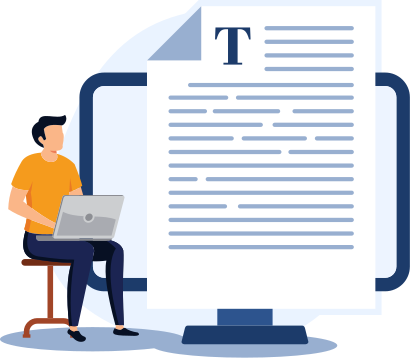
Discover the Ultimate PDF Editor
Converz PDFs or Any File Instantly
Proceed with the transformation of your PDFs or documents in a fast, secure, and cost-free manner through our sophisticated file converter, free PDF converter, and document converter. Upload your document, convert it to whatever format, and edit or rotate PDFs online with ease, simplifying and making your file management efficient.