PDF Editor
Easy, Pleasant and Productive PDF Edit
Easily add text, shapes, images, highlights, and sticky notes to your PDFs. With a Pro account, you can also edit existing text. Try Pro free for 7 days and experience simple, fuss-free PDF editing.
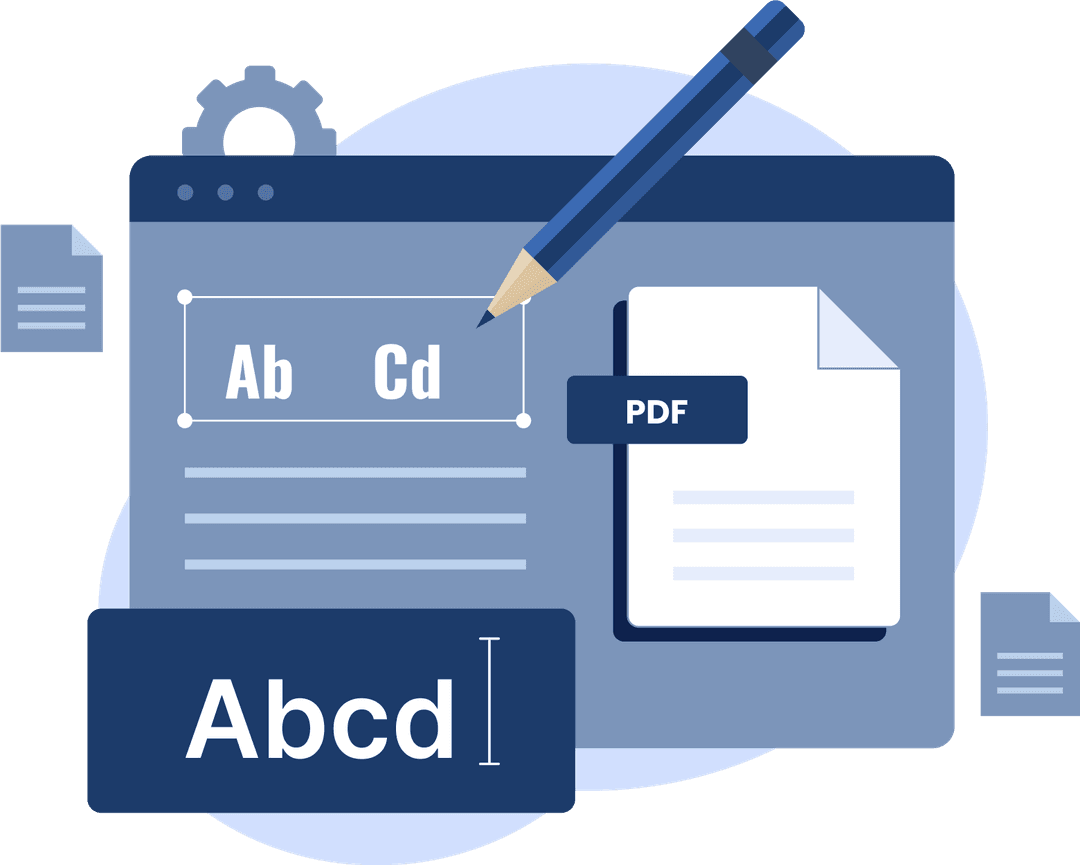
Edit Your PDFs—The Easy Way
Document work shouldn't be hard. That's why we've simplified PDF editing, so you can have the freedom and flexibility to do anything you want with your professional documents.
Edit PDFs quickly across Mac, Windows, and mobile
Organize documents easily with integrated cloud storage
Benefit from Swiss-engineered security
How to edit PDFs with Converz PDF
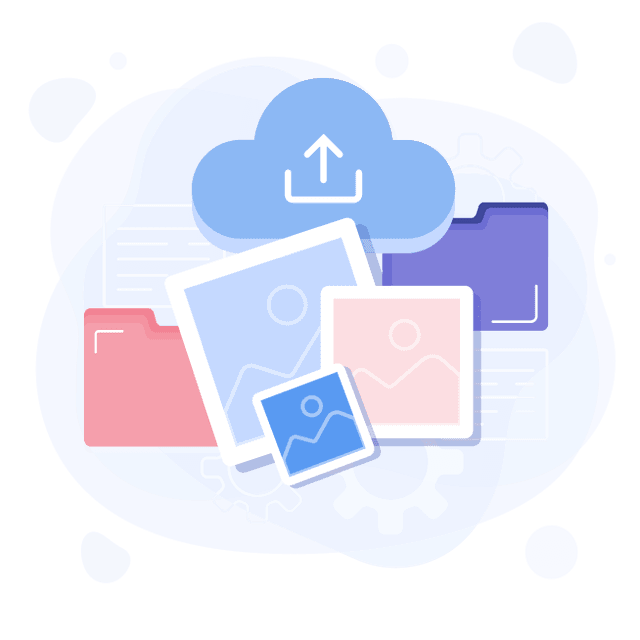
Upload
Click the 'Upload your PDF' button below, or sign up using the 'Try for free' button in the top right.
Open
Your PDF will open inside the Converz PDF editor. From here, you can select the tool you're looking for.
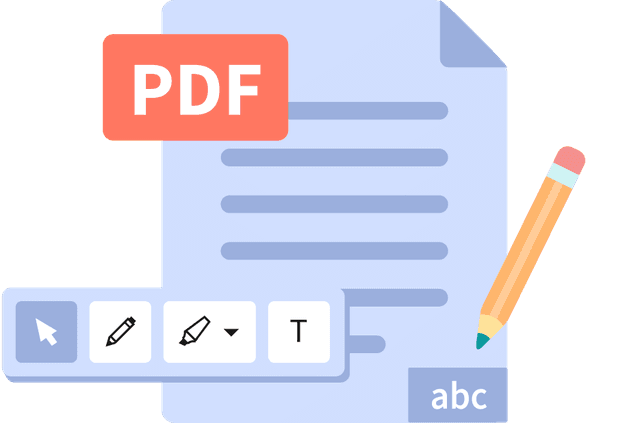
Edit
Make your edits: freehand draw, highlight, comment, edit PDF text and much more – all for free!
Save & share
Share your working document via Converz PDF, sync it to Google Drive, print it or save to your computer.
PDF Editing For Everyone
Teachers and students
Seamlessly share and review lesson plans and learning resources.
Professionals
Use advanced formatting tools and edit text directly to fast-track processes.

C-suites
Level up productivity with executive-level tools, unlimited seats and a dedicated success manager.